
A session moved by text that never reached the calendar. Two diaries that almost agree. Notes filed wherever there was space. The diary should not be the hardest part of a clinical day.
Calendar & sessions
A calendar built around the therapy hour.
Book, move and cancel sessions in a calendar that knows your working hours, session length and time off. Every appointment opens into the page you run the session from.
Why it helps
The diary, off your mind
Clients book inside your rules
Your booking page offers only times you are free, at your session length, with the notice you ask for. You confirm each request.
One diary, not two
Connect Google Calendar or Outlook. Their busy time blocks your booking page, and every session appears in them.
Everything for the session on one page
Agenda, note, the plan from last time, latest scores and payment are inside the appointment.
A look inside
From the week to the session
The week as it is
Day, week, month and year views with your working hours marked. Click an empty time to book a session at your usual length, or drag to set it.
- Click or drag to book
- Drag a session to move it
- Sessions, other commitments and time off together
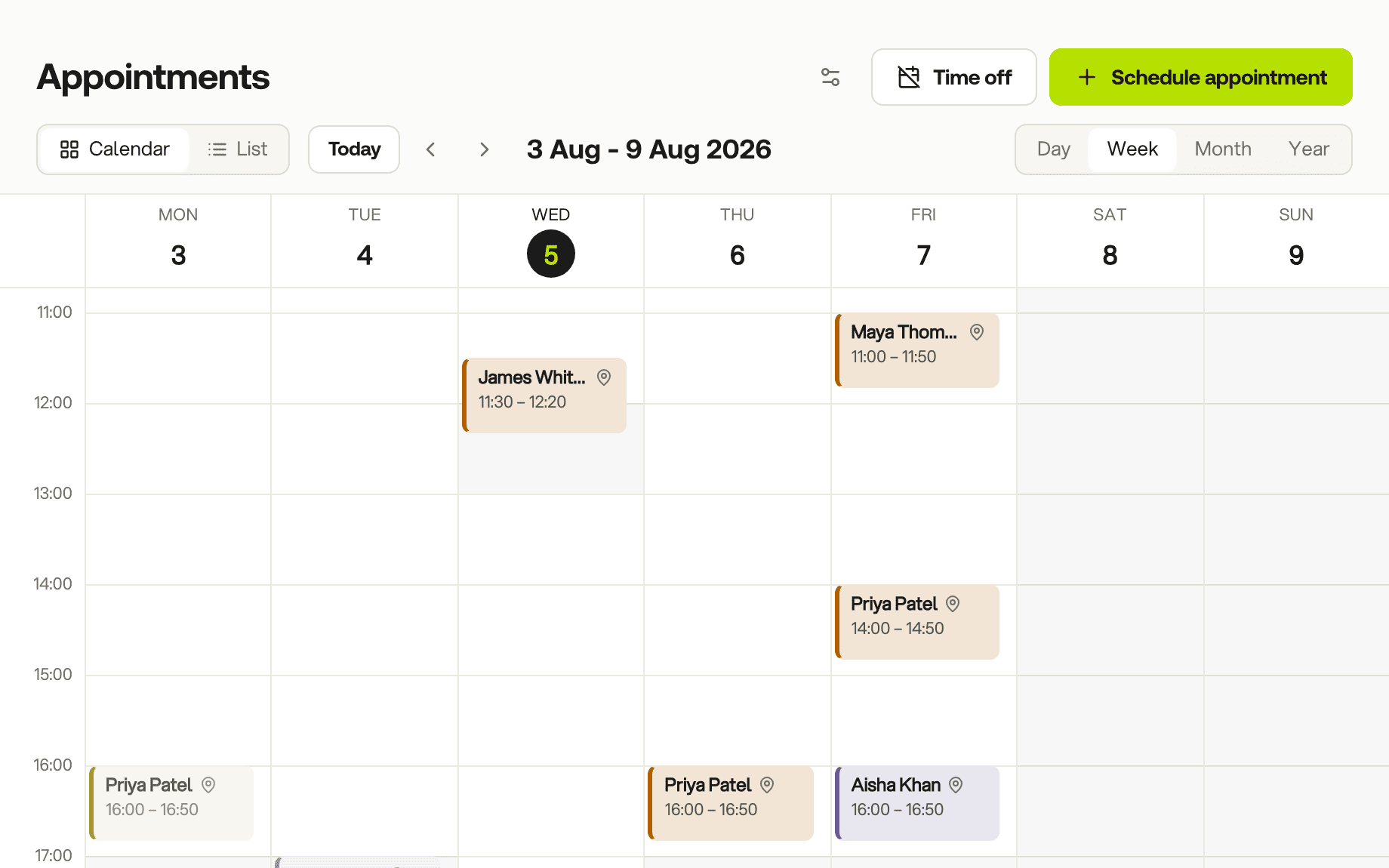
Reschedule by dragging
Drag a session to its new time. Its note, agenda and payment move with it, your client is told in their app, and your connected calendar updates.
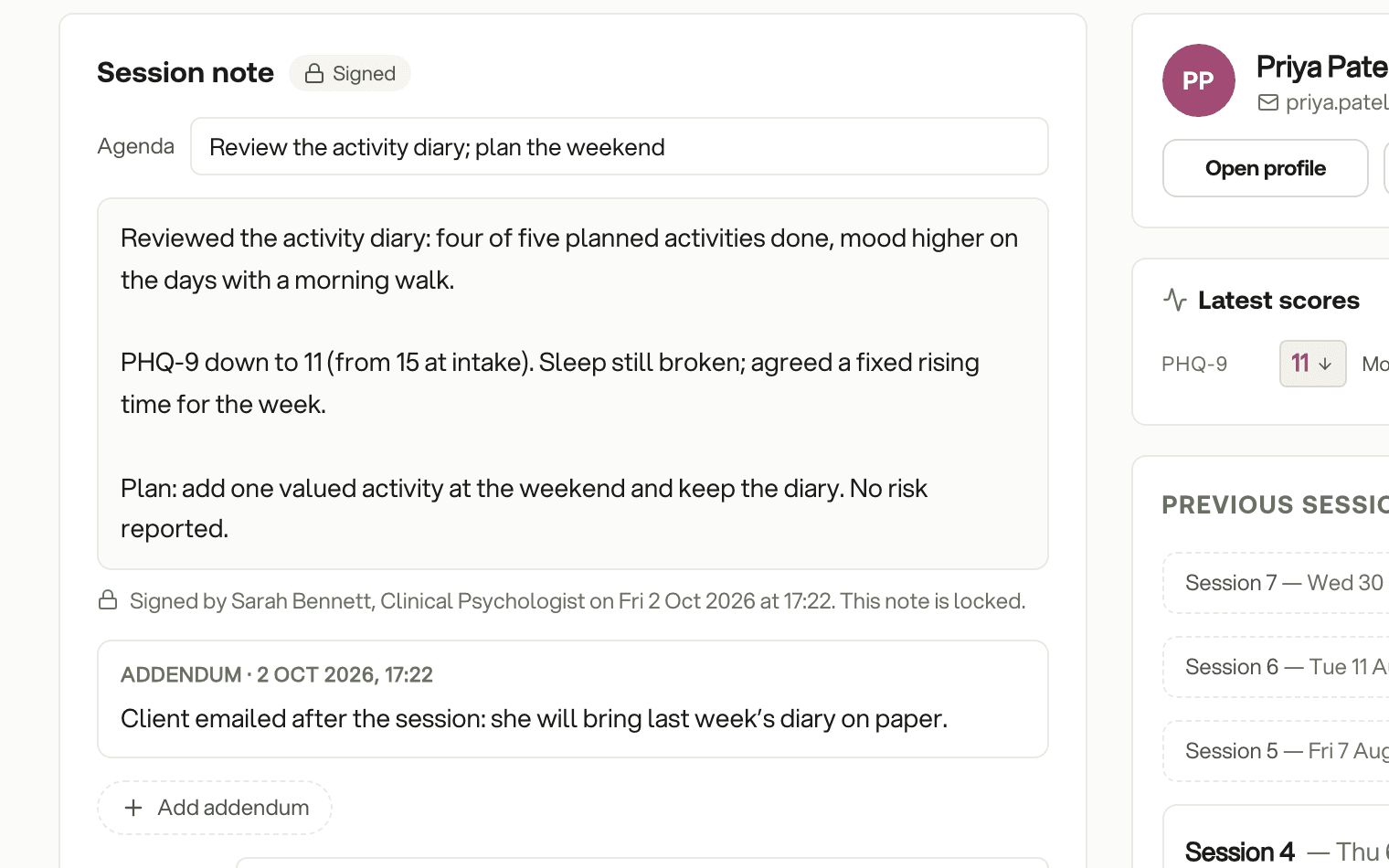
Notes you can sign and lock
Write the note in one place, starting from your own template or from last session's note. When you sign it, it is locked with your name and the time. Anything you add later goes in as a dated addendum.
A timer and your note, floating over the call
Running the session on Zoom, Meet or Teams? Open the floating panel and the timer, your note and the latest scores stay on top of the call window. Use one saved room link for every online session if you like.
Time off and other commitments
Block a day or a fortnight and clients simply see no times. Add supervision or training as an event so the slot stays busy.
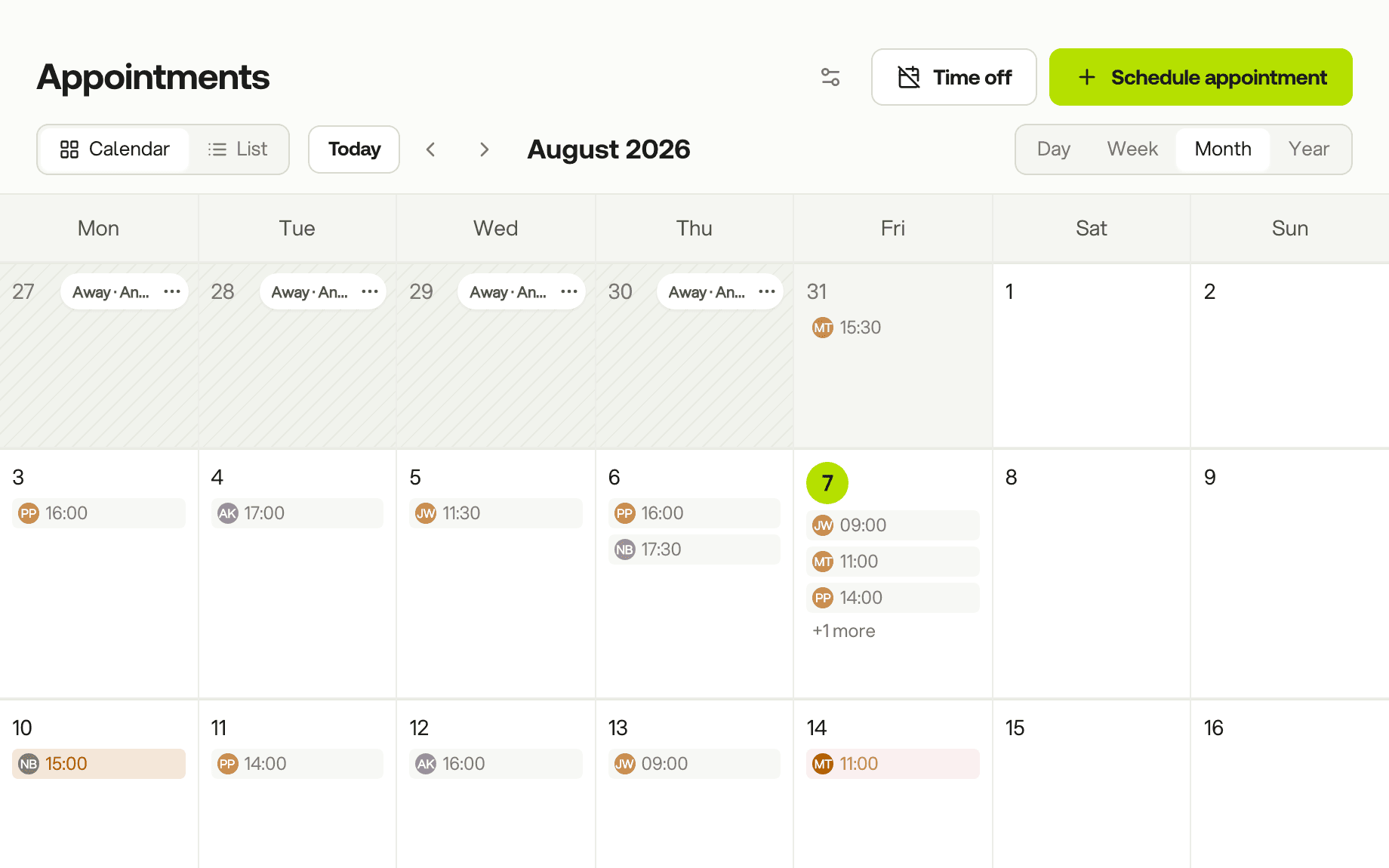
See a working week in CBT Flow
Book a 20-minute demo. We will book a session, run it and write the note, start to finish.
20 minutes · Google Meet · no obligation